Your README deserves better than a browser tab.
Filo is a dedicated Markdown reader for Mac. Opens instantly, renders beautifully, and does nothing else. No browser tabs. No plugins. No VS Code.
Requires macOS Sonoma (14.0) or later.
Want to see it first? Try the browser demo →
 Click to enlarge
A dedicated reader.
Filo does one thing: open Markdown files and render them beautifully. No extensions, no configuration, no workspace, no sidebar full of files you're not reading. Local-first — your files never leave your Mac.
Not VS Code. Not a browser.
VS Code is a code editor. A browser tab is a workaround. Filo is purpose-built for reading — opens in under a second, renders instantly, and gets out of your way the moment you're done.
$9.99, once.
No subscription. No account. No data leaving your machine. Buy it once and it's yours. No cloud uploads, no telemetry, no upgrade nags.
See it in action
Click any screenshot to enlarge.
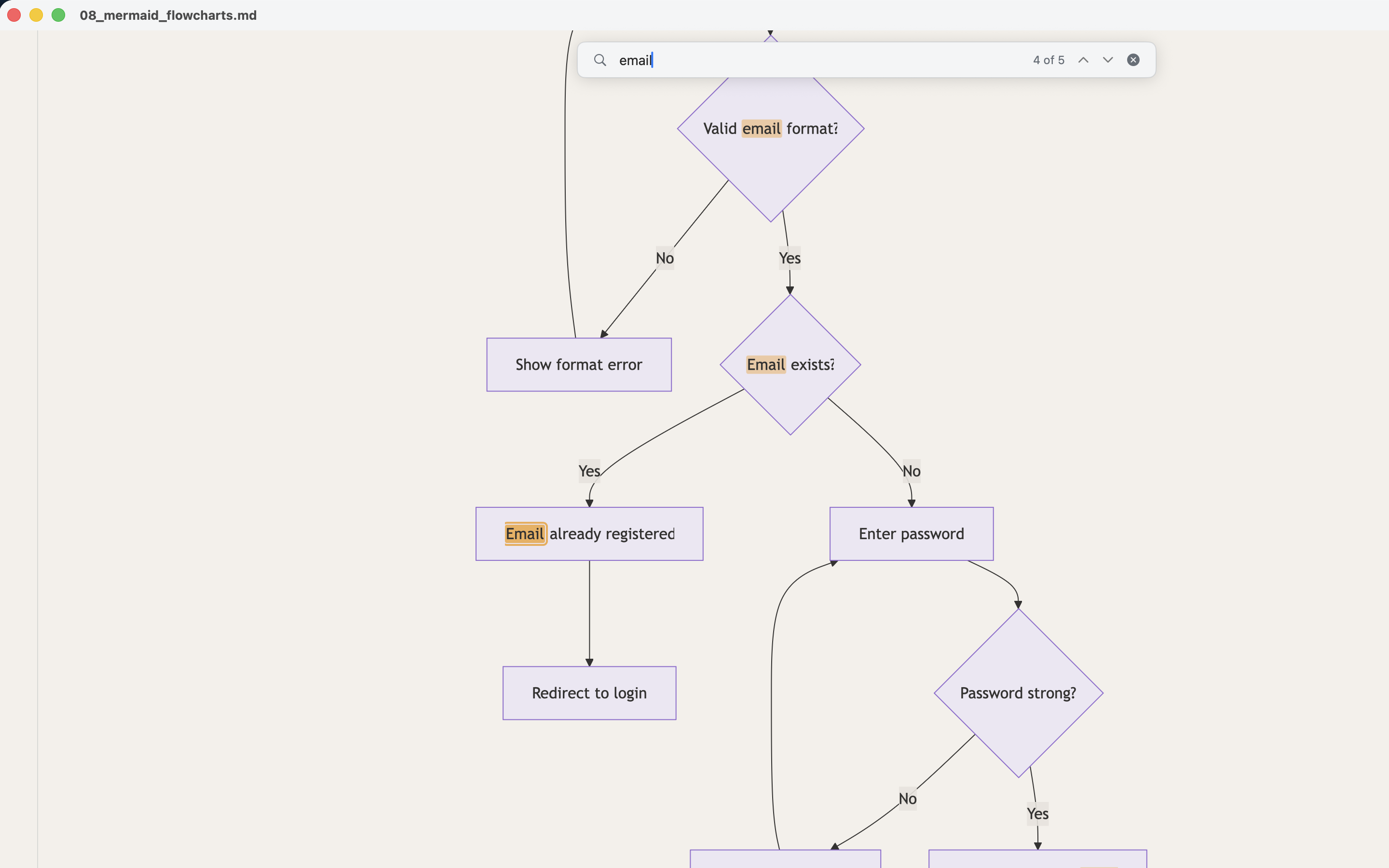
Your diagrams, rendered.
Write Mermaid syntax, see a diagram. Filo renders flowcharts, sequence diagrams, state machines, ER diagrams, Gantt charts, and more — inline, without any plugins or configuration. Search works inside diagrams too.
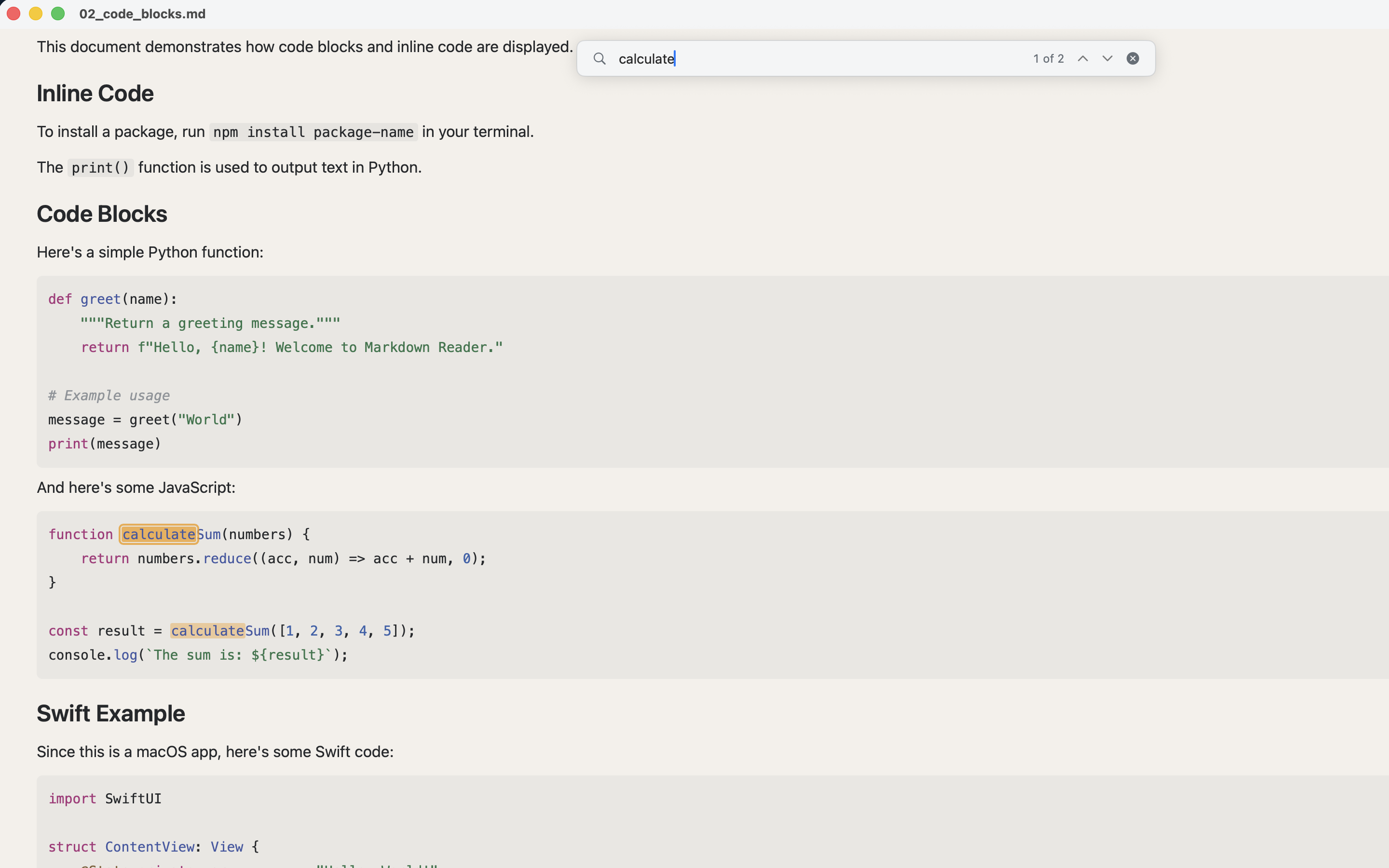
Find it fast.
Full-text search across your entire document, highlighted in context. Works inside code blocks with syntax highlighting for dozens of languages. Works inside Mermaid diagrams. Navigate between matches with a keyboard shortcut.
Know where you are.
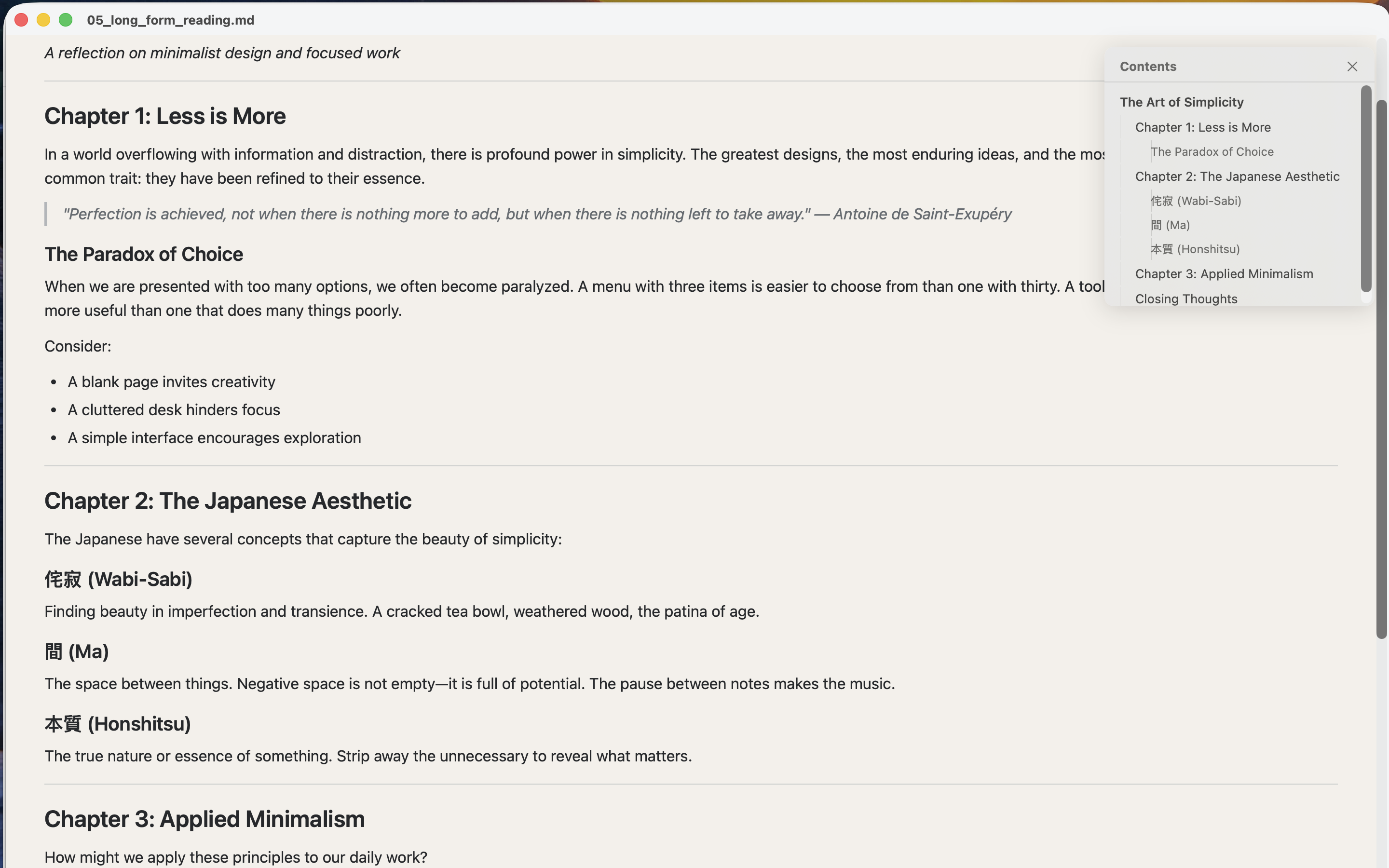
Long documents become navigable. Filo generates a table of contents automatically from your headings. Jump to any section with one click. Your position is highlighted as you scroll.
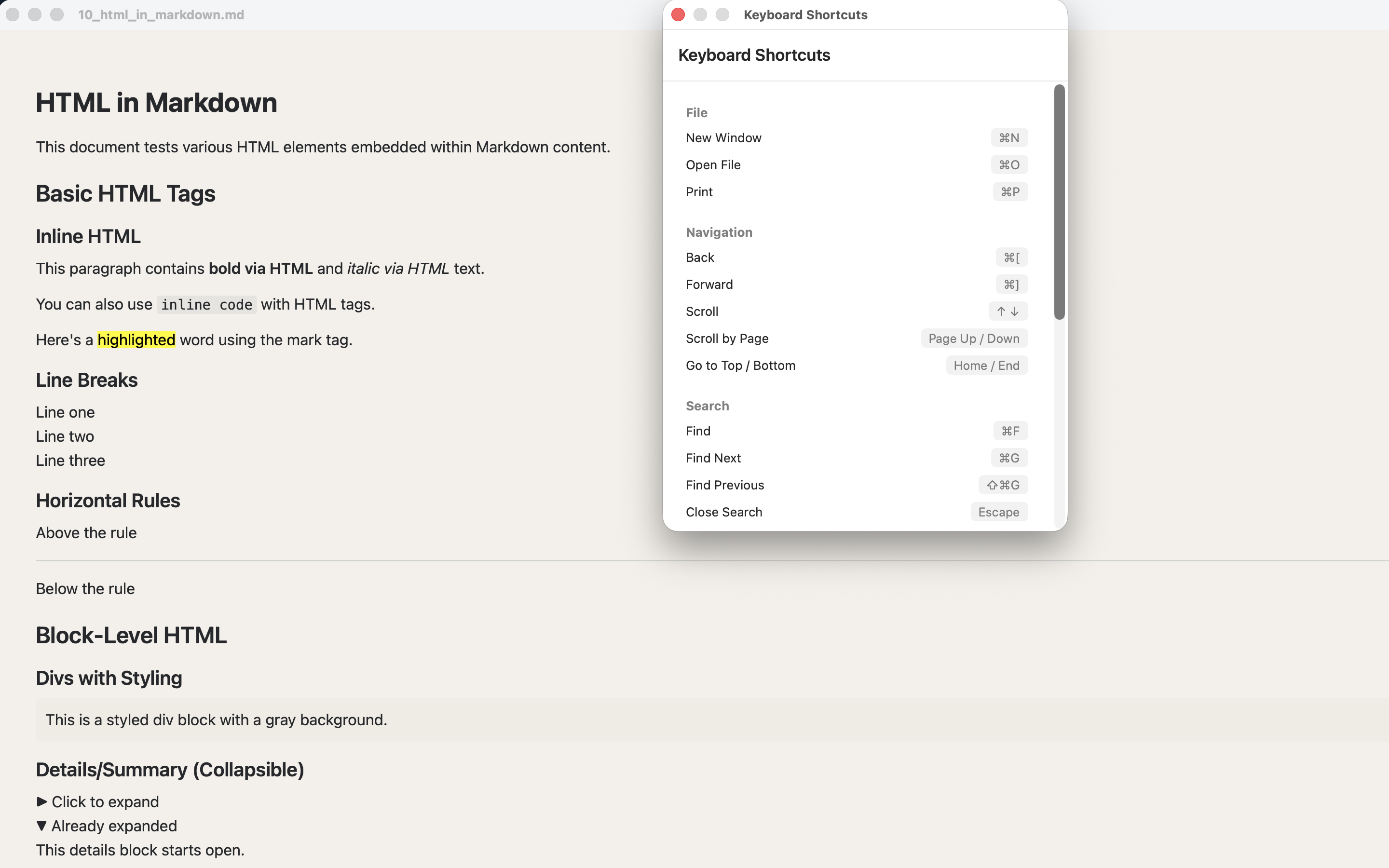
Never touch the mouse.
Every action has a shortcut. Open files, search, jump between matches, zoom in and out — keyboard all the way. Press Cmd+k at any time to see every available shortcut.
Ready to try it?
Download on the App Store$9.99 · One-time purchase · macOS Sonoma or later required
Want to see it first? Try the browser demo →
Everything else
The details that make a reader feel right.
Completely Offline
No network required, ever. Your files stay on your Mac — no cloud uploads, no telemetry, no accounts. Open a file and start reading.
Copy-Friendly
Copy rendered content or raw Markdown with a single shortcut. Paste into Notion, Confluence, email — wherever you need it.
Adaptive Themes
Warm and cool color temperatures, light and dark mode. Filo follows your system appearance and provides a comfortable reading experience day or night.
Native Performance
Built with Swift and SwiftUI. Launches in under a second, renders documents instantly. Minimal memory footprint — it won't slow down your Mac.
No Account Required
No sign-up, no login, no subscription management. Buy it once from the Mac App Store and it's yours. No strings attached.
Built for macOS
Native, modern, and not carrying legacy baggage. Requires macOS Sonoma (14.0) or later.
Print & Export to PDF
Print any Markdown document or export it as a PDF directly from Filo. The rendered output — formatting, diagrams, and all — goes to paper or file exactly as it appears on screen.
Get Filo
$9.99 — one-time purchase, no subscription.
Built for macOS Sonoma (14.0) or later.
Not sure? Mac App Store purchases are covered by Apple's standard refund policy.